Android Apps Development

I want share my knowledge to everyone through this blog. "SHARING A KNOWLEDGE IS FIRST STEP OF SUCCESS"

Saturday, 30 May 2015

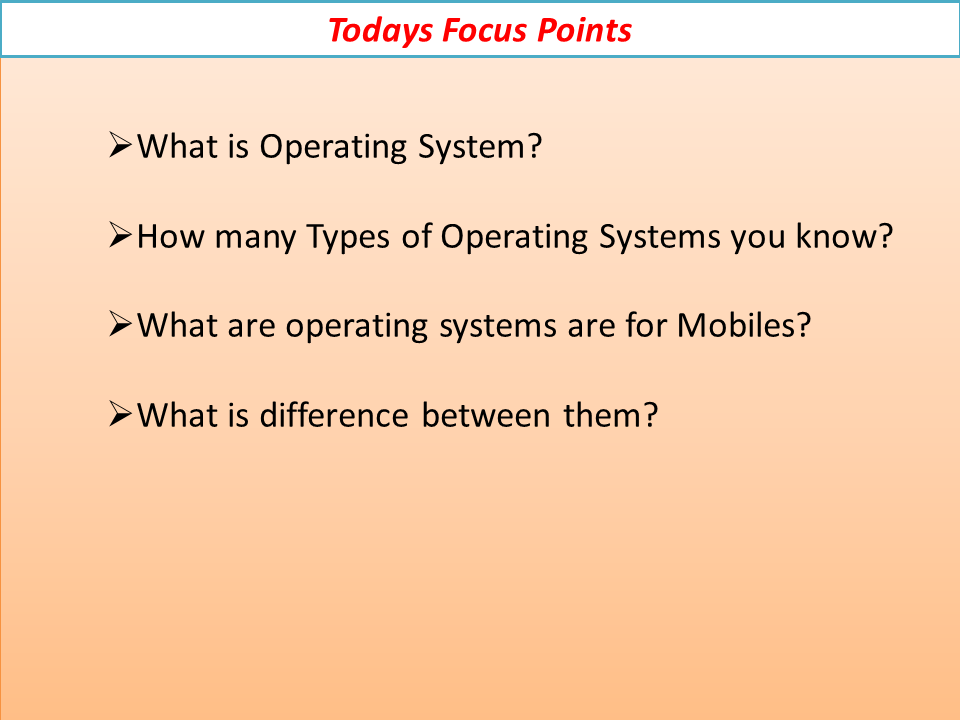
Android Introuction


Posted by Unknown at 05:32:00 No comments:
Email ThisBlogThis!Share to XShare to FacebookShare to Pinterest
Newer Posts Older Posts Home
Subscribe to: Comments (Atom)

Ads Inside Post

Author

Unknown
View my complete profile

Featured Video

Popular Posts

  • Android Architecture
    Android operating system is a stack of software components which is roughly divided into five sections and four main layers as shown below ...
  • Android Installation Steps
    Android Installation Steps 1. JDK First of all you will need to get  Java Development Kit   1.6+  installed on your system. You m...
  • Manifest File in Android
    About Manifest File in Android: 1.     Structure of the Manifest File Every application must have an AndroidManifest.xml file (with ...
  • Services in Android
    Android service   is a component that is   used to perform operations on the background   such as playing music, handle network transactio...
  • Registration And Login Using With JSON
    Activity_Register.xml <RelativeLayout xmlns:android="http://schemas.android.com/apk/res/android"     xmlns:tools...
  • Radio Group In Android
    This class is used to create a multiple-exclusion scope for a set of radio buttons. Checking one radio button that belongs to a radio grou...
  • Android Course Content
    Introduction  a. Introduction to Mobile Operating systems b. Manufacturer-built proprietary Operating systems c. Third party proprie...
  • Progress Dialog in Android
    activity_main.xml <RelativeLayout xmlns:android="http://schemas.android.com/apk/res/android"     xmlns:tools="http:...
  • Toogle Button In Android
    A toggle button allows the user to change a setting between two states. You can add a basic toggle button to your layout with the  Toggl...
  • Android: Why, When and How to use AsyncTask with example
    What is AsyncTask?                AsyncTask is an abstract class provided by Android which helps us to use the UI thread properly. This...

Video Of Day

Popular

  • Services in Android
    Android service   is a component that is   used to perform operations on the background   such as playing music, handle network transactio...
  • Progress Dialog in Android
    activity_main.xml <RelativeLayout xmlns:android="http://schemas.android.com/apk/res/android"     xmlns:tools="http:...
  • Shared Preferences In Anadroid
    Android provides several options for us to save persistent application data. The solution us choose depends on our specific needs, such as...
  • Installation of Android Studio
    Installation: Before we get started, you’ll need to ensure that you have installed JDK 6 or higher (JDK7 is required for Android 5.0 and...
  • Android Architecture
    Android operating system is a stack of software components which is roughly divided into five sections and four main layers as shown below ...
  • BlinkAnimation in Android
    Actvity_Main.xml <?xml version="1.0" encoding="utf-8"?> <RelativeLayout xmlns:android="http://schemas....
  • Registration And Login Using With JSON
    Activity_Register.xml <RelativeLayout xmlns:android="http://schemas.android.com/apk/res/android"     xmlns:tools...
  • Radio Group In Android
    This class is used to create a multiple-exclusion scope for a set of radio buttons. Checking one radio button that belongs to a radio grou...
  • FadeoutAnimation in Android
    activity_fadeout_animation.xml <?xml version="1.0" encoding="utf-8"?> <RelativeLayout xmlns:android="ht...
  • Crossfade Animation Android
    activity_crossfadeanimation.xml <?xml version="1.0" encoding="utf-8"?> <RelativeLayout xmlns:android="...

Total Posts

  • ►  2016 (35)
    • ►  June (8)
    • ►  May (20)
    • ►  February (7)
  • ▼  2015 (25)
    • ►  October (1)
    • ►  September (11)
    • ►  August (9)
    • ►  June (1)
    • ▼  May (1)
      • Android Introuction
    • ►  April (1)
    • ►  March (1)

Contact Us

Name

Email *

Message *

Rajshekar. Simple theme. Theme images by luoman. Powered by Blogger.